
What is virtualization?
What virtualization is, how hypervisors and virtual machines work, the main types from server to GPU virtualization, and why it underpins modern private cloud infrastructure.
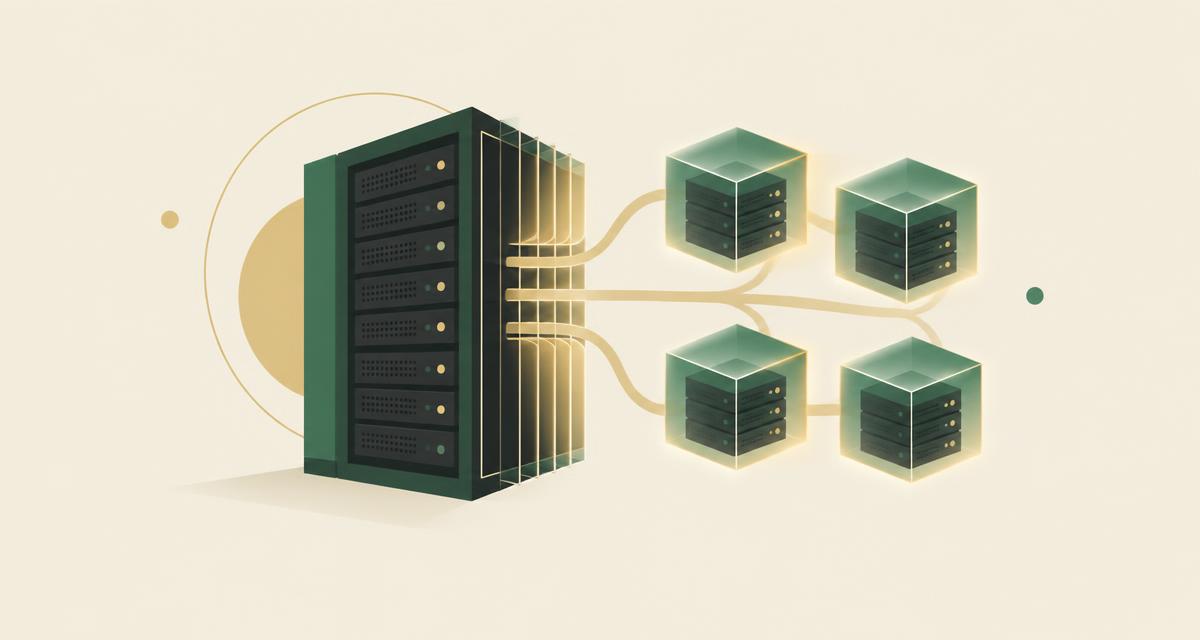
Virtualization is the technology that uses software to create an abstraction layer over physical hardware, dividing a single system's processors, memory, storage and networking into multiple virtual machines (VMs). Each VM runs its own operating system and applications and behaves like an independent computer, even though it shares the same underlying hardware. It is the foundation of modern enterprise IT and the enabling layer beneath every cloud platform, including private cloud platforms such as VirtuWa.
A short history of virtualization
Virtualization is older than most people expect. It emerged in the 1960s on mainframe computers, where time-sharing systems allowed one large machine to serve many users and jobs at once. The idea was the same then as it is now: expensive hardware should be shared efficiently rather than dedicated to a single task.
The technology reached mainstream business computing in the late 1990s, when virtualization for x86 servers made it practical to partition ordinary industry-standard hardware into multiple virtual machines. From there it spread through every enterprise data center, and today it is simply how modern infrastructure is run.
The current wave of development extends virtualization in new directions: containers for application packaging, GPU virtualization for AI workloads, and software-defined infrastructure that makes entire data centers programmable.
From one machine to many
Before virtualization, each physical server typically ran a single operating system and a small set of applications. Most of its CPU, memory and storage capacity sat idle, and every new workload meant buying, racking and maintaining more hardware.
Virtualization introduces a thin software layer — the hypervisor — between the hardware and the operating systems. The hypervisor divides physical resources into isolated virtual machines, so a single server can safely host many workloads at once.
- Each VM gets its own virtual CPU, memory, storage and network interfaces.
- VMs are isolated from one another: a fault or misconfiguration in one does not affect the others.
- Capacity is used far more efficiently, reducing hardware, power and data-center footprint.
The main components
Three components define any virtualized environment. The physical machine, or host, provides the actual CPU, memory, storage and network resources. The virtual machine, or guest, is a software-based computer made of configuration files and virtual disks that runs its own operating system. The hypervisor is the layer in between that coordinates them.
The hypervisor allocates physical resources to each VM, enforces isolation so that guests cannot interfere with one another's memory or compute cycles, and presents every VM with standard virtual hardware. Guest operating systems run largely unmodified, unaware that the hardware beneath them is shared.
Type 1 and Type 2 hypervisors
Type 1, or bare-metal, hypervisors run directly on the server hardware, replacing the traditional host operating system. They are the standard for enterprise data centers because they deliver the best performance, isolation and scale. KVM — the kernel-based virtual machine built into Linux — is the most prominent open example, and it is the foundation of VirtuWa's Asas HV.
Type 2, or hosted, hypervisors run as an application on top of an existing operating system, usually on a workstation or laptop. They are convenient for developers who need to run a second operating system locally, but they carry extra overhead because every hardware request passes through the host OS.
Why organizations virtualize
The benefits compound across the data center. Consolidating many workloads onto fewer servers raises utilization and cuts hardware, energy and maintenance costs. Provisioning a new service becomes a software operation measured in minutes rather than a hardware purchase measured in weeks.
Virtualization also changes the resilience equation. Redundant VMs can run side by side and fail over when problems occur; VMs can be moved between hosts without downtime through live migration; and because a VM is a set of files, backup, replication and disaster recovery become faster and more reliable than on physical systems.
- Resource efficiency: multiple applications share one server without sacrificing reliability.
- Faster provisioning: new environments are created from templates in minutes.
- Minimal downtime: live migration and failover keep services running during maintenance and failures.
- Easier management: software-defined policies, automation and templates replace manual setup.
- Disaster recovery: VMs are simple to back up, replicate and restore.
- Cost-effectiveness: fewer physical servers mean lower capital and operating expense.
Types of virtualization
Server virtualization is the most common form: one physical server hosts many VMs, each with its own OS. Storage virtualization pools disks from many systems into shared datastores that can be allocated to any VM. Network virtualization recreates switches, routers and firewalls in software — through approaches such as software-defined networking (SDN) — so networks can be configured and managed without touching physical devices.
Desktop virtualization, often delivered as virtual desktop infrastructure (VDI), runs user desktops as VMs on central servers and streams them to any device. Application virtualization runs an application in a virtual environment without installing it on the user's own operating system. Data virtualization creates a layer that lets applications query data across many sources, formats and locations as if it were one system.
Specialized forms continue to grow in importance. GPU virtualization shares graphics processing power among VMs for AI and compute-intensive workloads, while data-center virtualization abstracts an entire facility — compute, storage and network — into software, enabling multiple virtual data centers on shared hardware.
Virtualization and containers
Containers are often discussed alongside virtualization, but they solve a different problem. A VM reproduces an entire computer, including a full operating system. A container shares the host's OS kernel and packages only the application and its dependencies, which makes containers smaller and faster to start.
In practice, most enterprises use both: containers frequently run inside virtual machines, combining the strong isolation and governance of VMs with the speed and portability of containers. Virtualization remains the layer that controls the underlying infrastructure.
Virtualization and security
Virtualization offers real security advantages. VMs can be rolled back to a clean snapshot if they are compromised, isolated from neighboring workloads, and deleted and recreated in minutes. Network segmentation, encryption, role-based access control and regular platform updates extend these controls across the environment.
At the same time, the hypervisor itself becomes critical infrastructure: a platform compromise could affect every VM it hosts. This is why the choice of virtualization platform is a security decision — its architecture, update discipline and the trustworthiness of its vendor all matter.
From virtualization to private cloud
Virtualization alone makes infrastructure efficient. What turns it into a private cloud is programmability: a unified management plane that adds clustering, High Availability (HA), Distributed Resource Scheduling (DRS), live migration and policy-driven operations, together with a REST API and infrastructure-as-code tools such as Terraform.
This is also the model public cloud providers use to deliver IaaS, PaaS and SaaS. A private cloud brings the same operating model into infrastructure your organization owns and controls — on premises, in a local data center, or fully offline.
Why it matters for Saudi and regional organizations
Virtualization determines how efficiently you use hardware, how quickly you can provision services, and how resilient your applications are to failure. The platform you choose shapes licensing costs, operational skills, and how easily you can migrate or modernize later — single-vendor dependency at this layer is expensive to undo.
For organizations in Saudi Arabia and the region, virtualization is also where questions of control begin: who operates the platform, where workloads run, whether it can function offline, and whether it can be managed in Arabic as well as English.
- Evaluate the hypervisor foundation, not only the management features around it.
- Check clustering, HA, live migration and backup as one operating system, not separate products.
- Confirm that APIs, formats and skills remain portable as your strategy evolves.
See virtualization done differently
Discover how Asas HV, built on KVM, delivers enterprise virtualization with Saudi-built management and support.
Explore Asas HVKVM vs VMware: Understanding the Difference Before Choosing a Virtualization Platform
KVM vs VMware explained: architecture, management, HA, live migration, storage, networking, security, automation, skills, commercial model and migration implications.
Read articleBuilding a private cloud strategy around control
How to define a private cloud operating model across workloads, governance, automation, resilience and lifecycle economics.
Read article